duminică, 2 noiembrie 2014

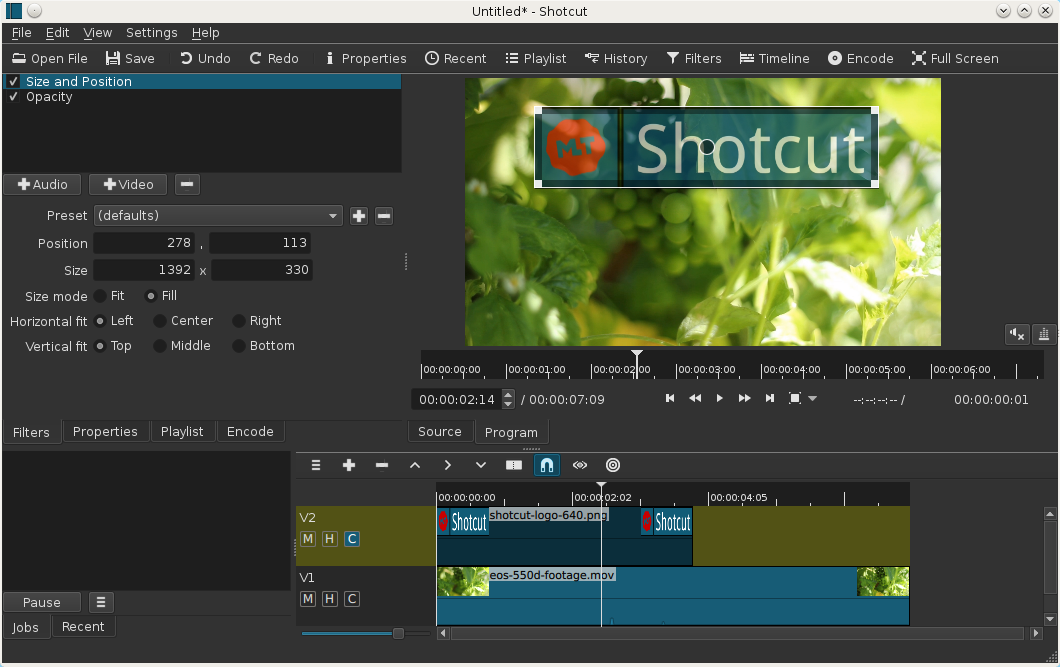
Shotcut 14.11 free video editor - open source

Shotcut - Video Editing
Shotcut is a free and open-source video editing app for Windows, Linux and MacOs.The new version 14.11 of Shotcut is now available for download with the following enhancements in addition to the usual bug fixes:

  • The HTML5 features are finally available on Windows!
  • Add source code editing to the HTML editor.
  • WebGL logo
    Add 3D Text filter based on WebGL, typeface.js, and three.js.
  • Add support for DirectShow devices on Windows in the Open Other dialog.
  • Add the Opus audio codec.
  • Opus codec logo
    Change the VP9 WebM preset to use the Opus audio codec.
  • Add support for the #localtime# keyword to the Text filter (no button yet).
  • Restart instead of simply closing the app when changing the GPU or language settings.
  • Change the Redo keyboard shortcut to Ctrl+Y on Windows only.
  • Save file paths in MLT XML with relative names for assets in the same folder or sub-folder. This makes it easier to use a relocatable project folder.
  • Add scale and offset parameters and a preset widget to the Rotate filter. Usually after rotating a video, part of the image has been clipped. These new parameters provide control for that clipping processing including no clipping.
  • Add Italian translation.

sâmbătă, 25 octombrie 2014

Giveaway - WinX HD Video Converter Deluxe

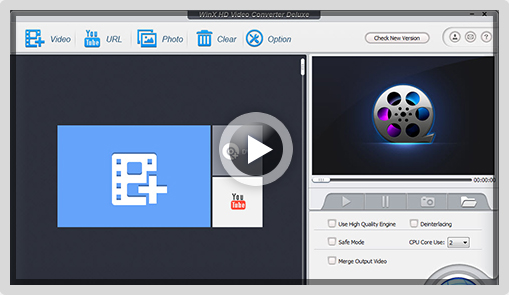
WinX HD Video Converter Deluxe
The conversion speed of WinX HD Video Converter Deluxe has made a great leap to amazingly 300-400 fps or more in recent update, while keeping highest possible quality. Far beyond that, it manages to be:
  • one of the first video audio software to support the breakthrough H.265/HEVC video encoding tech that is reported to double the data compression ratio and support 8K UHD videos (up to 8192×4320 resolution);
  • Winged with 40+ output profiles for all popular devices as , e.g. iPhone 6/6 Plus, iPad Air 2/mini 3, Galaxy Note4/Edge, HTC Desire 816, and Xperia Z3;
  • More convenient to use and easier for beginners to handle by adjusting the most common profiles.

Key features:

  • Converts any videos faultlessly (incl. SD, multi-track HD and 4K videos ), e.g. BDAV, M2TS, MKV, AVCHD, HDTV, MPEG-TS, AVI, MP4, WMV, WebM and Google TV;
  • Offers 410+ ready-made profiles for converting videos to any portable devices, like, iPhone, iPad, iPod, Samsung, Nexus and so on;
  • Converts videos for playing on PC, mobile phones and tablets;
  • Creates slideshow video with holiday photos; add SRT subtitles, trim/crop/expand/merge videos, etc.
Download link available for today: http://www.giveawayoftheday.com/winx-hd-videoconverter-deluxe/

Free alternatives:

vineri, 17 octombrie 2014

Giveaway - TDMore DVD Converter

TDMore DVD Converter
TDMore DVD Converter is a powerful DVD video converter software that works as a DVD ripper to rip DVD disc/ISO/folder into different video formats such as MP4, MKV, WMV, FLV, AVI, VOB, TS, etc for almost all popular video playback devices such as iPhone, iPad, PS3, Xbox, tablets, smart phones and so on. Moreover, it supports 3D video conversion and H.265 encoder.

Key Features:

  • Convert DVDs to MP4, MKV, WMV, FLV, AVI, VOB, TS, etc.
  • Convert DVDs to MP3, WAV, AAC, FLAC, M4A, etc.
  • Convert DVDs to smart phones, tablets, PDAs, PSP, PS3, etc.
  • Convert 2D DVDs to 3D MP4, MKV, WMV, TS, AVI videos.
  • H.265 Encoder to convert DVDs to 2D & 3D MP4 H.265 or MKV H.265 Videos.
  • Hardware acceleration enabled to make the conversion faster (within 15 minutes according to test).
TDMore DVD Converter

Please note: the program includes one year license.
Note: The best 3 improvement ideas will be rewarded with 3 TDMore Blu-ray Converter 1 year license. Please use Idea Informer form to submit your ideas.

Download link available for today: http://www.giveawayoftheday.com/tdmore-dvd-converter-1-0/

Free alternatives:

luni, 13 octombrie 2014

Giveaway - Inpaint 6.0

Inpaint 6.0
Inpaint reconstructs the selected image area from the pixel near the area boundary. Inpaint may be used unwanted objects from your photos. Delete any unwanted object from your photo, such as extra power-line, people, and text.
The programs will automatically Inpaint the selected area to erase it. If some unexpected object spoils an otherwise good photograph, Inpaint may be used to remove it. Simply select the object. No need for fiddly messing about with the clone tool. It is alarmingly simple to use. Draw a selection around the object you wish to remove from the picture, and run smart remove selection.

Download link available for today:  http://www.giveawayoftheday.com/inpaint-6-0/

Free Alternatives:

vineri, 10 octombrie 2014

Autodesk software now free to schools worldwide


Autodesk has made its software available free to schools worldwide (students and teachers). Its educational licence forbids use for commercial work, but the tools themselves are not feature-restricted.
The offer applies to the products in Autodesk’s Entertainment Creation Suite, including 3ds Max and Maya, as well as Smoke and Flame.
Read Autodesk’s announcement of free software for schools worldwide
Visit Autodesk’s Education Community portal

Giveaway - imElfin Blu-ray DVD Creator

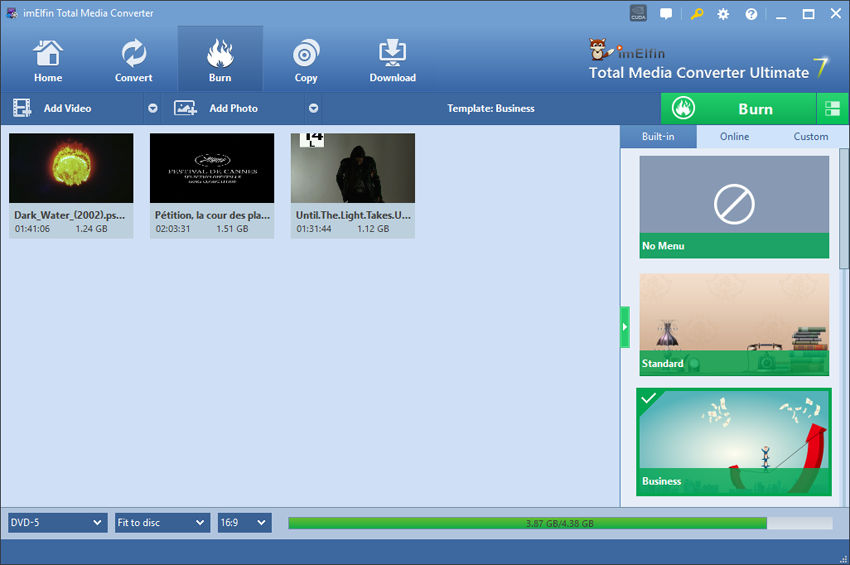
imElfin Blu-ray Creator
imElfin Blu-ray Creator helps you create high quality Blu-ray and DVD from all video formats, like MP4, MOV, WMV, AVI, etc. With the help of this tool you can not only burn your videos to Blu-Ray, but also to 3D DVDs.
It provides dozens of Blu-ray movie menu templates: Standard, Business, Education, Holiday, Nature and more. What’s better, it contains an inner media player for you to preview videos real-time, and a build-in video editor for you to crop, watermark, adjust your files. After Blu-ray created, enjoy them on the biggest screen in your house!

Download link available for today:  http://www.giveawayoftheday.com/imelfin-blu-ray-creator-1-3/

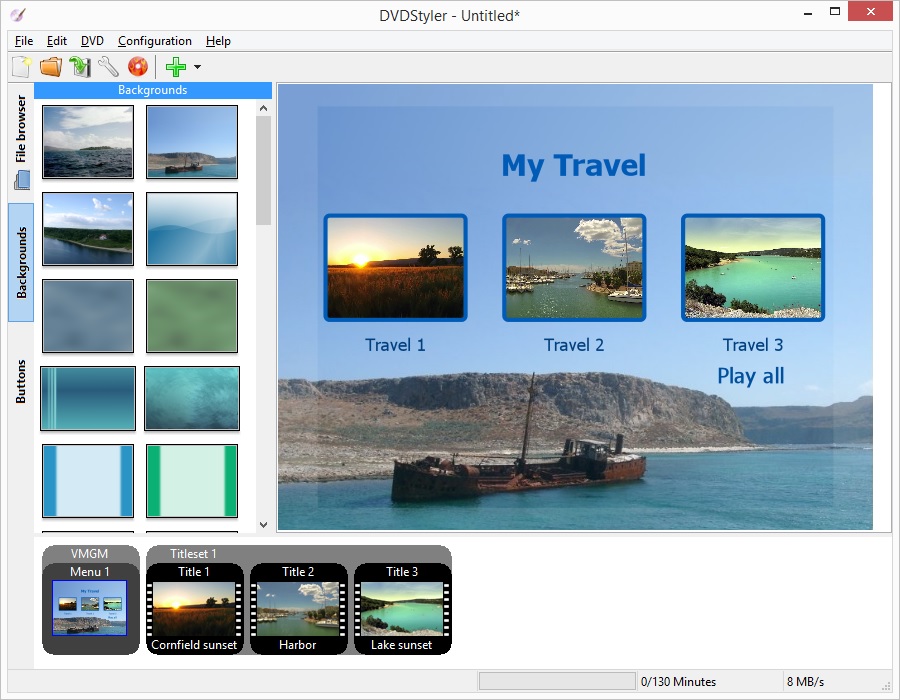
Free alternatives: DVD Styler
DVD styler

joi, 9 octombrie 2014

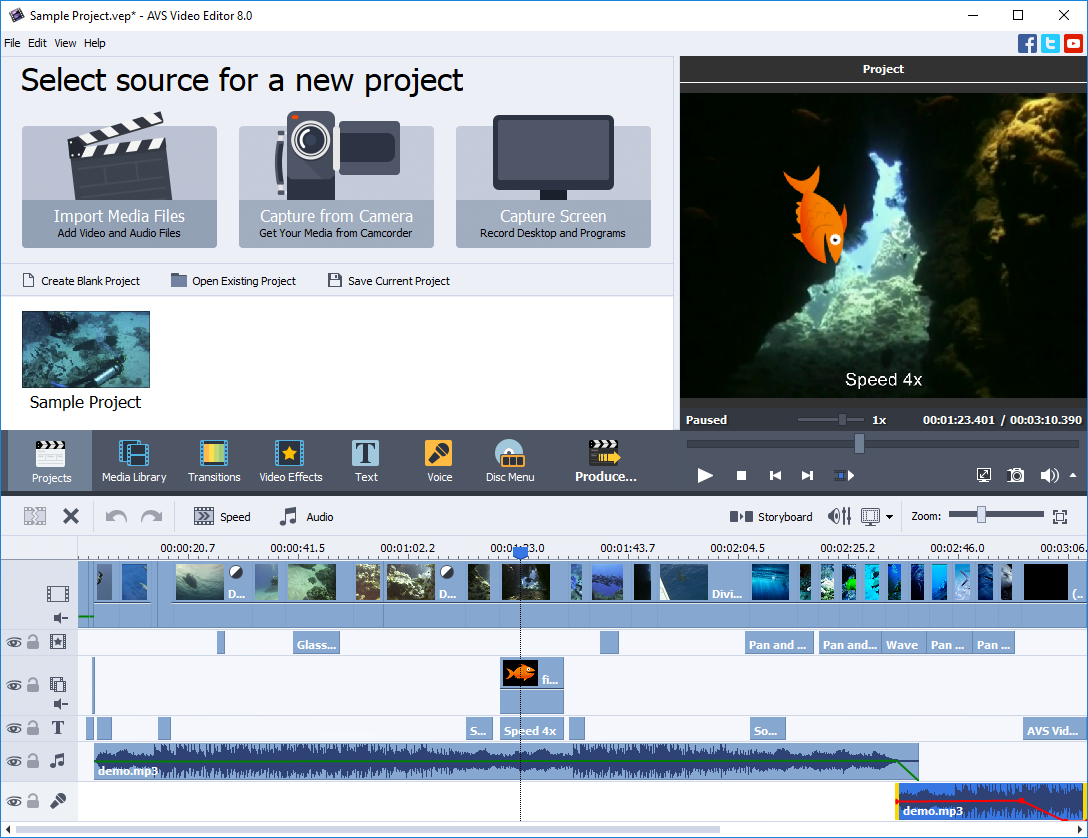
Giveaway - AVS Video Editor 6.5

AVS Video Editor
AVS Video Editor is powerful video editing software which can create hollywood-like videos with photos, videos and music. The program has a user-friendly interface and is available in many languages (German, French, Italian, Spanish, Japanese, etc.). It is packed with a lot of useful features and easy tools. AVS Video Editor is designed for both beginners and advanced users.
Key Features:
  • Edit all popular video formats and save video files in AVI, VOB, MP4, DVD, WMV, 3GP, MOV, MKV, AVCHD, MOD, MTS/M2TS, etc.
  • Cut, trim, split, merge, rotate, choose between 300+ effects and transitions, mix videos.
  • Stabilize video camera shaky recordings.
  • Use Screen capture feature and create your own training videos or demos.
  • Import existing video clips from HDD or capture them directly from DV cams.
  • Burn DVD/Blu-ray discs. Add menus with music, video and images.
  • Share your videos on the popular web-hostings such as Facebook, Flickr, MySpace, upload them directly from the program interface.
Note: The program includes one year license

Download link available for today: http://www.giveawayoftheday.com/avs-video-editor-6-5/

Free alternatives:

 ShotCut  Lightworks  OpenShot