miercuri, 16 septembrie 2015

Giveaway - Ashampoo Photo Commander 12 - photo manager and editor

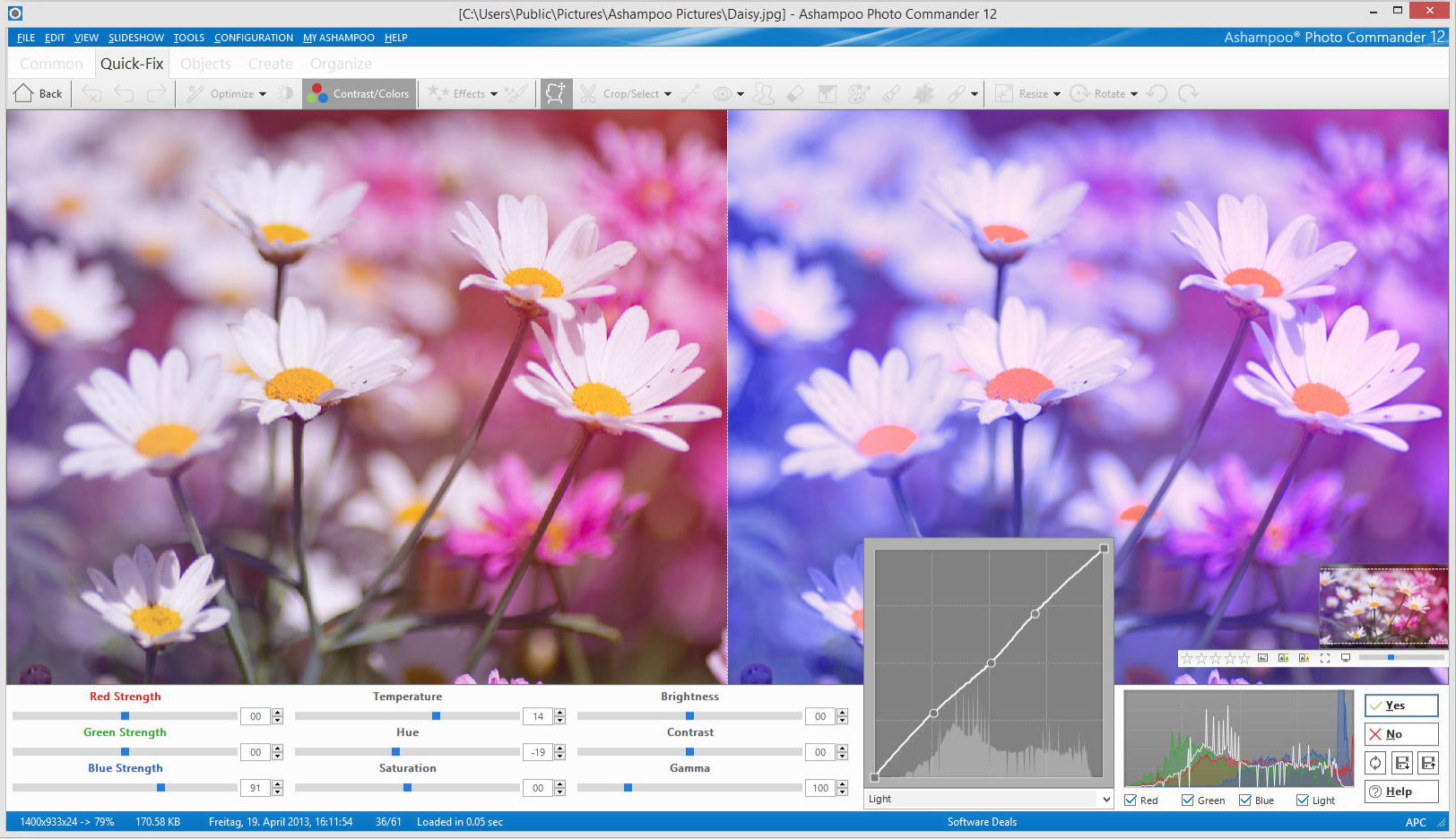
Ashampoo Photo Commander 12
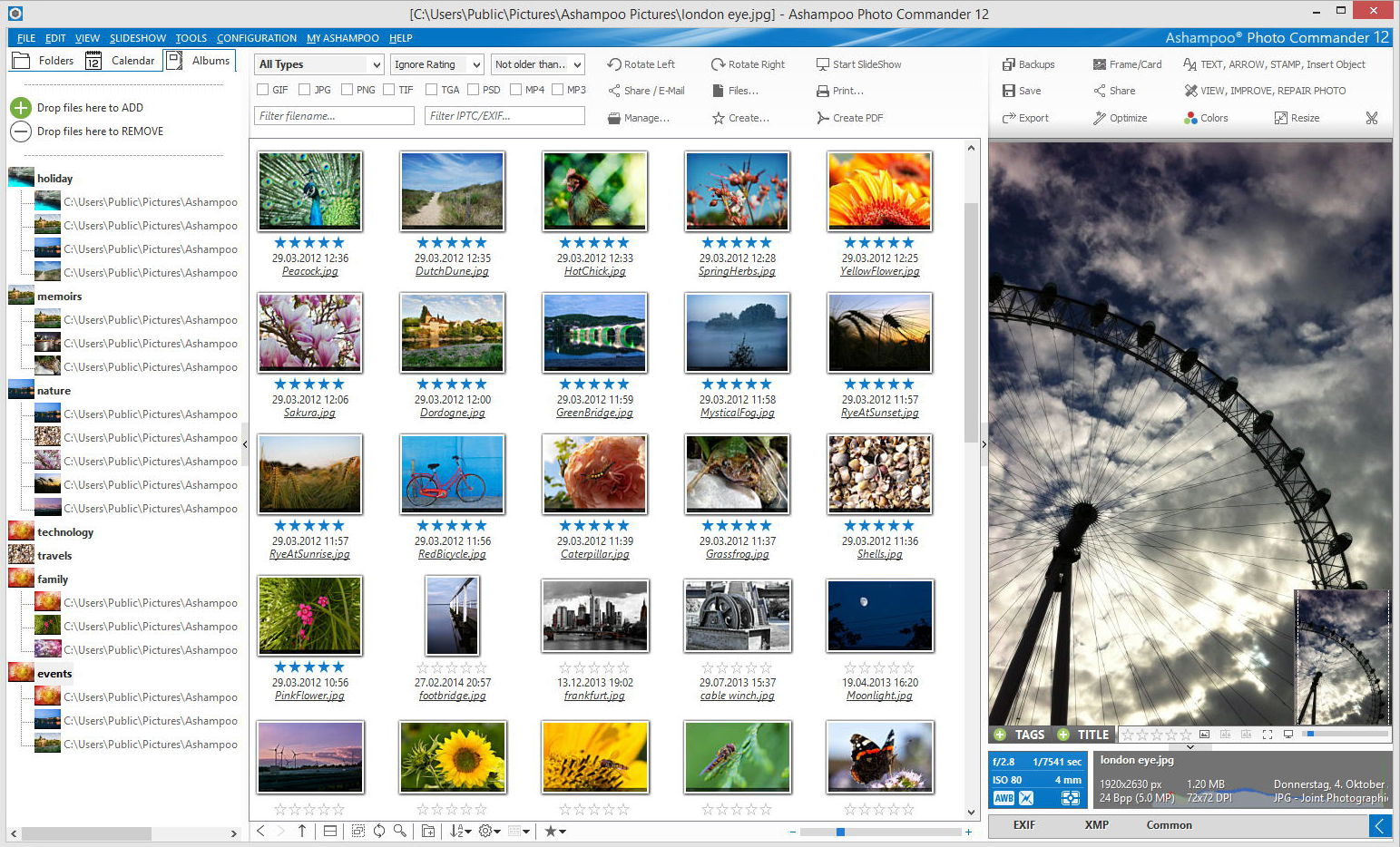
Ashampoo Photo Commander 12 provides maximum opportunities for processing your photos. Easily open large photo collections and delete destructive objects quickly. Customize the colours, contrast and make your photo collection shine bright. This program will help you to express your creativity and add professional effects to your photos. You can also impress your friends and family with your own calendars, collages and greeting cards.

Key features:
Ashampoo Photo Commander 12 - organize photos

  • Easier to use;
  • Smart photo imports;
  • Faster image browsing with miniature views;
  • Enhanced file manager with cloud support;
  • New designs and gradients;
  • Enhanced wizards;
  • 1-Click object management and quick-access styles.
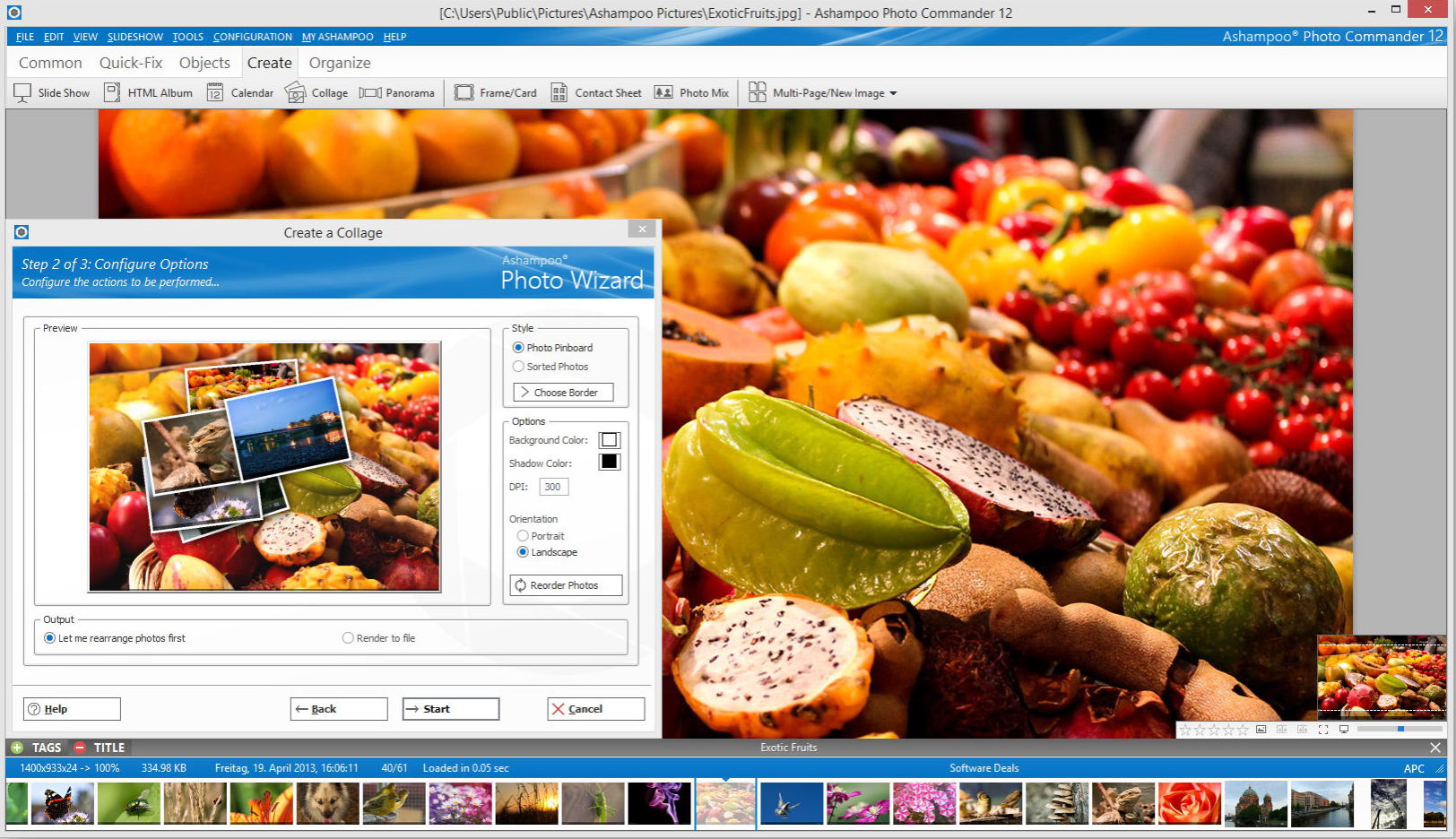
Ashampoo Photo Commander 12 - collage
Download  link available today: http://www.giveawayoftheday.com/ashampoo-photo-commander-12/

Download.com review: http://download.cnet.com/Ashampoo-Photo-Commander/3000-12511_4-10109566.html

More details: https://www.ashampoo.com/en/usd/pde/1818/multimedia-software/photo-commander-12 

Free Alternatives:

marți, 8 septembrie 2015

Giveaway - Zoner Photo Studio 16 Pro

Zoner Photo Studio
Zoner Photo Studio is a user ­friendly Windows software that offers every photo tool you need in one place. This “Lightroom alternative” brings photos to your PC: download, organize, edit, share, and develop them from RAW. And do it all for batches as easily as for single photos.

Key Features:

  • Photo editing and retouching – cropping, resizing, straightening, local edits, exposure and color fixes and more;
  • Quick Edits that help you fix a picture in moments using just a few sliders;
  • Importing – While downloading your pictures to your PC, you can tag them, rotate them to match camera rotation, back them up, and more;
  • An Editor offering dozens of Quick Filters and other creative tools like HDR, Tone mapping, 3D, and panoramas;
  • Tagging – rating photographs from 1­5, colored labels, descriptions, and more. Drag-­and­-drop them onto an integrated Google Map for GPS tagging;
  • Sharing straight to Facebook, Flickr, and more, including Zonerama: the first truly unlimited gallery;
  • Fast RAW development – start­-to­-finish processing for your RAW files, with lots of practical perks.
Download  link available today: http://www.giveawayoftheday.com/zoner-photo-studio-16-pro-2/

About.com review ****: http://graphicssoft.about.com/od/productreviews/ss/Zoner-Photo-Studio.htm 
Download.com review****: http://download.cnet.com/Zoner-Photo-Studio/3000-2192_4-75186165.html

Zoner free Android photo app: http://www.zoner.com/en/zoner-photo-studio-for-android 
Google play - Zoner Android photo app: https://play.google.com/store/apps/details?id=com.zoner.android.photostudio

Free Alternatives:

miercuri, 26 august 2015

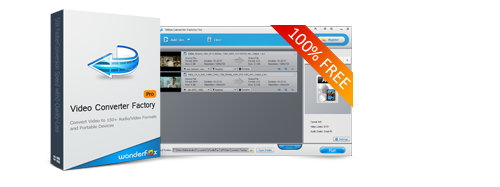
Wonderfox Back to school Giveaway - Video Converter Factory Pro, DVD Ripper Pro and many more

Video Converter Factory Pro
Wonderfox has a new software Giveaway ("Back to school") valid before sep. 10:

  • Video Converter Factory Pro - supports over 200 output video/audio formats and hot devices, 50X faster conversion speed;
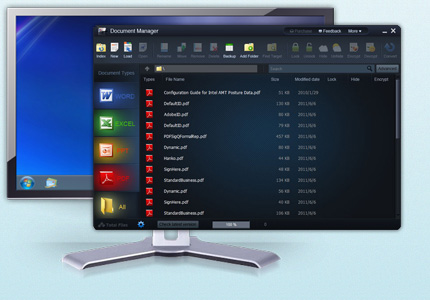
  • WonderFox Document ManagerWonderFox Document Manager - versatile and easy-to-use documents management program which not only enables you to manage, classify, backup and index your documents conveniently, but also helps encrypt or protect your private information;
  • WonderFox DVD Ripper Pro - No. 1 speed dvd ripping tool that provides the quick solution to Rip DVD to a wide range of mainstream video and audio formats such as DVD to AVI, DVD to MP4, DVD to MKV, DVD to MPG for quick back up DVD to iPad, DVD to iPhone 6 , DVD to Android, etc.;
  • HD Video Converter Factory Pro - convert videos from Standard-Definition (SD) to High-Definition (HD) like HD MP4, HD MKV, HD AVI, HD MTS, HD TRP, even 4k standard and also enables users to cut down the video size (convert HD videos to SD videos).With this HD conversion software, you can also download YouTube video(normal/HD/4K/8K/) easily. The better, 50X faster speed will save your lot of time. ;
  • WonderFox DVD Video ConverterWonderFox DVD Video Converter - all-in-one media tool, with it, you can rip any copy-protedted DVD, convert over 200 video and audio formats, make your video compatible with most hot handheld devices, download youtube video, edit/trim/crop/merge video. 


Download link (valid before sep. 10) and more details at: http://www.videoconverterfactory.com/promotion.html

joi, 6 august 2015

Giveaway - Sketch Drawer 3.2

Sketch Drawer 3.2
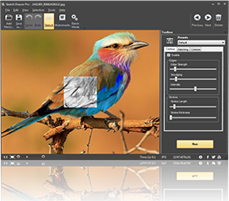
Sketch Drawer is a photo-editing tool for converting photographs into pencil sketches. With this program, you will be able to make exquisite black-and-white and colored pencil-drawn pictures from usual photographs. Choose options and settings you prefer while making a pencil sketch.
There are two ways you can edit photographs with SoftOrbits: manually and by aid of ready-made presets. These presets can be used as guides by beginners.

Download link available today:  http://www.giveawayoftheday.com/sketch-drawer-3-2/

Free alternatives:

luni, 3 august 2015

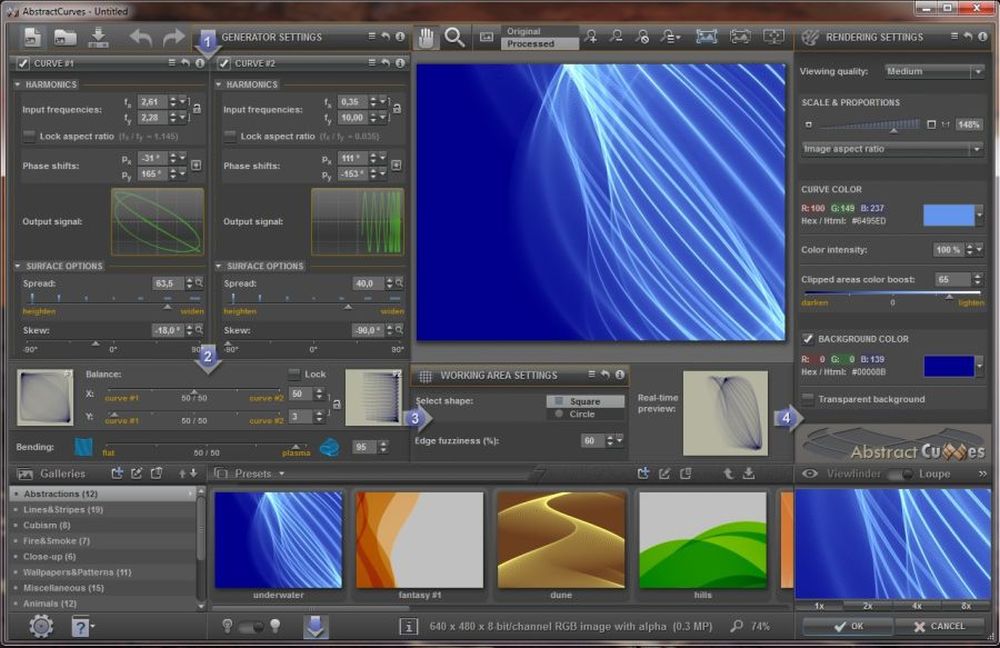
Giveaway - AbstractCurves 1.1 - image generator

AbstractCurves 1.1 - image generator
AbstractCurves is an image generator which allows you to create stunning wallpapers/backgrounds or posters in any resolution, add effects or logos/watermarks to your photos. AbstractCurves includes a variety of built-in presets, and gives you the ability to create user presets. This program is available as a standalone application, and as a plug-in to the most popular graphic hosts, such as Adobe Photoshop, Adobe Photoshop Elements, Corel Paint Shop Pro, IrfanView, and others which support .8bf files.

Download link available today:  http://www.giveawayoftheday.com/abstractcurves-1-1/

duminică, 2 august 2015

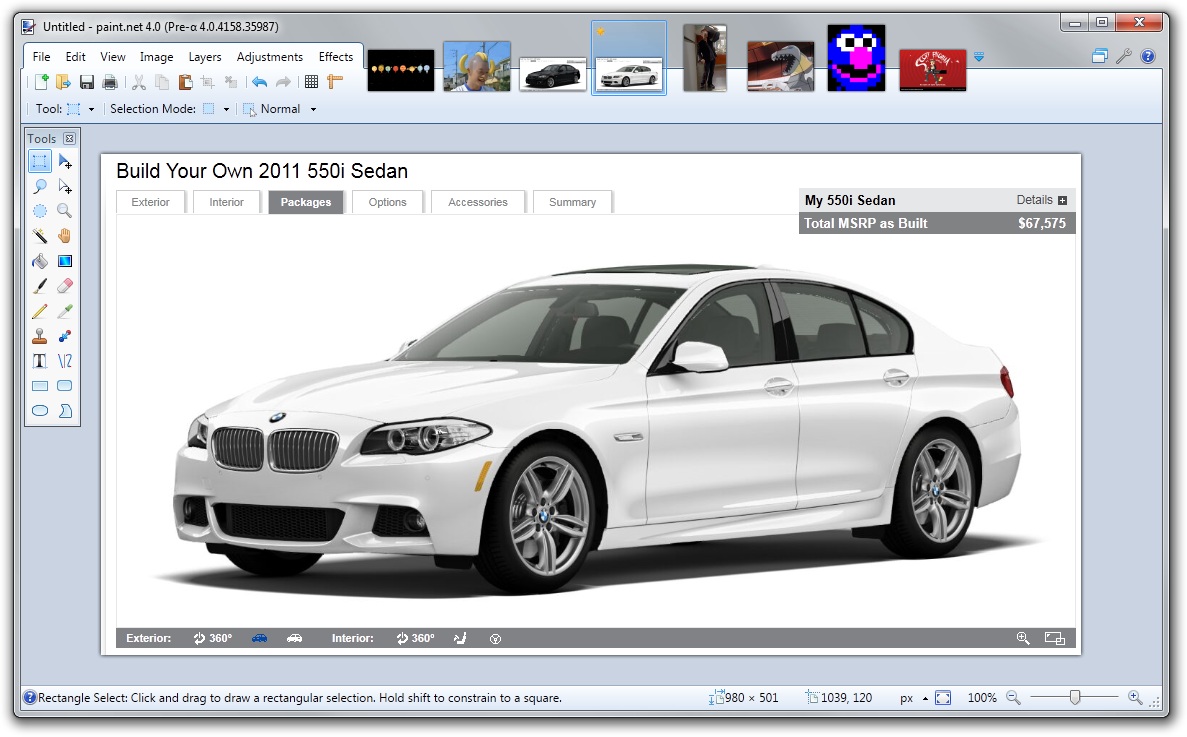
Paint.net 4.0.6

Paint.NET is a freeware photo editing and raster graphics software for Windows with support for layers, blending, transparency and plugins. It is a very good free alternative to Photoshop.

New features and  bug fixes:
  • New: You can now create and install custom shapes for the Shapes tool.
  • New: Updated to work better with Windows 10.
  • New: Increased the maximum brush size to 2000.
  • New: IndirectUI-based effect plugins can now provide help text, accessible via the question mark button.
  • New: Effect plugins may now access the current palette via IPalettesService.
  • Improved: Reduced memory usage of brush tools when using large brush sizes.
  • Fixed: Holding shift to constrain the angle of the roll control (Layers -> Rotate/Zoom) wasn’t working correctly.
  • Fixed: Various shapes (hexagon, pentagon, triangle, etc.) are now symmetric when holding the shift key.
  • Fixed: Multiple high-dpi blemishes in the main window and many dialog boxes (Settings, Save Configuration, all effect dialogs, etc.)
  • Fixed: Various minor/rare crashes.
Download link: http://www.getpaint.net/download.html#download
Requires Windows 7 SP1 or newer.

PaintNet review: download.cnet.com/Paint-NET

luni, 27 iulie 2015

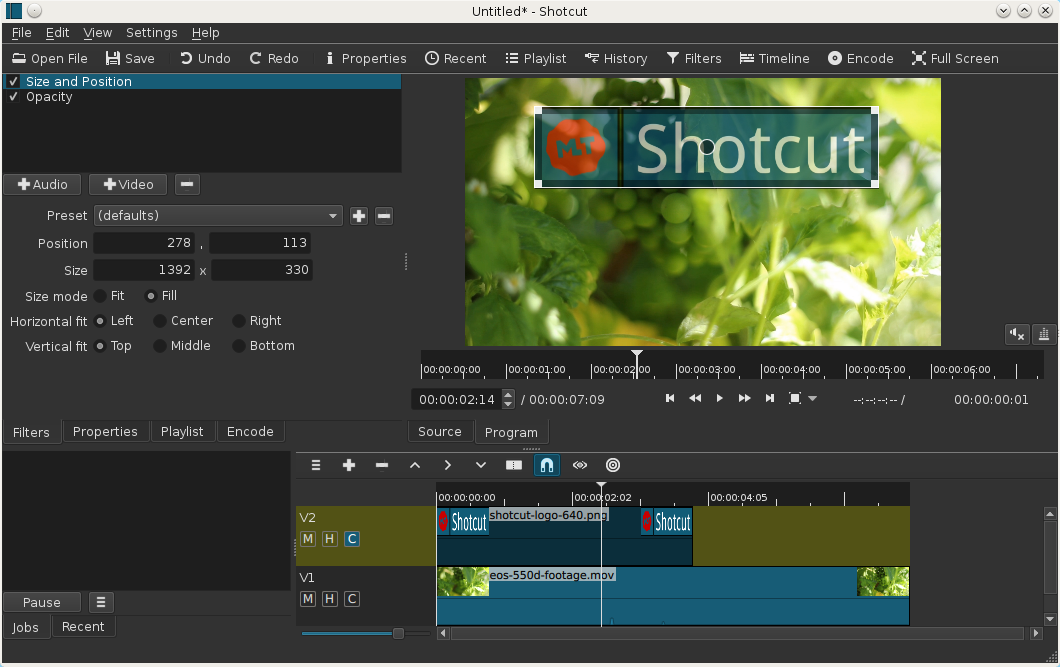
Shotcut video editor - 4K support in 15.07 release

Shotcut video editor
Shotcut is a free and open-source video editing app (64 bit) for Windows, Linux and MacOs based on MLT media framework.

Version 15.07 of Shotcut is now available for download.
New features and changes:
4K logo
  • 4K UHD support
  • 5 new video filters:
    • Old Film: Dust
    • Old Film: Grain
    • Old Film: Projector
    • Old Film: Scratches
    • Old Film: Technocolor
  • 5 new audio filters:
    • Bass & Treble (3-band graphic equalizer)
    • Band Pass
    • High Pass
    • Low Pass
    • Notch
  • Added Insert Track and Remove Track
  • New default Encode settings produce a better quality H.264 MP4 file
  • Composite now defaults to on/enabled for new video tracks
animated GIF of old film effects

Quickstart

  • You open files by drag-n-drop in addition to the usual menu and toolbar methods.
  • MLT XML files can be opened as a clip; so, you can use Shotcut to test your XML.
  • Tap J, K, L to control playback speed and direction. Tap J or L repeatedly to go faster.
  • Tap I or O to set the in and out points.
  • Press left or right cursor keys to step frame-by-frame.
  • Press page up or down to step one second at-a-time.
  • Press alt+left or alt+right to jump between start, in, out, and end.
  • Right-click the video window to access its settings.
  • Version is based on date. You can choose to update whenever you like and keep multiple versions (new versions are available monthly).
Useful links:
Article from: http://www.shotcutapp.com/