vineri, 4 noiembrie 2016

Giveaway: PT Photo Editor Pro 3.7

PT Photo Editor Pro 3.7
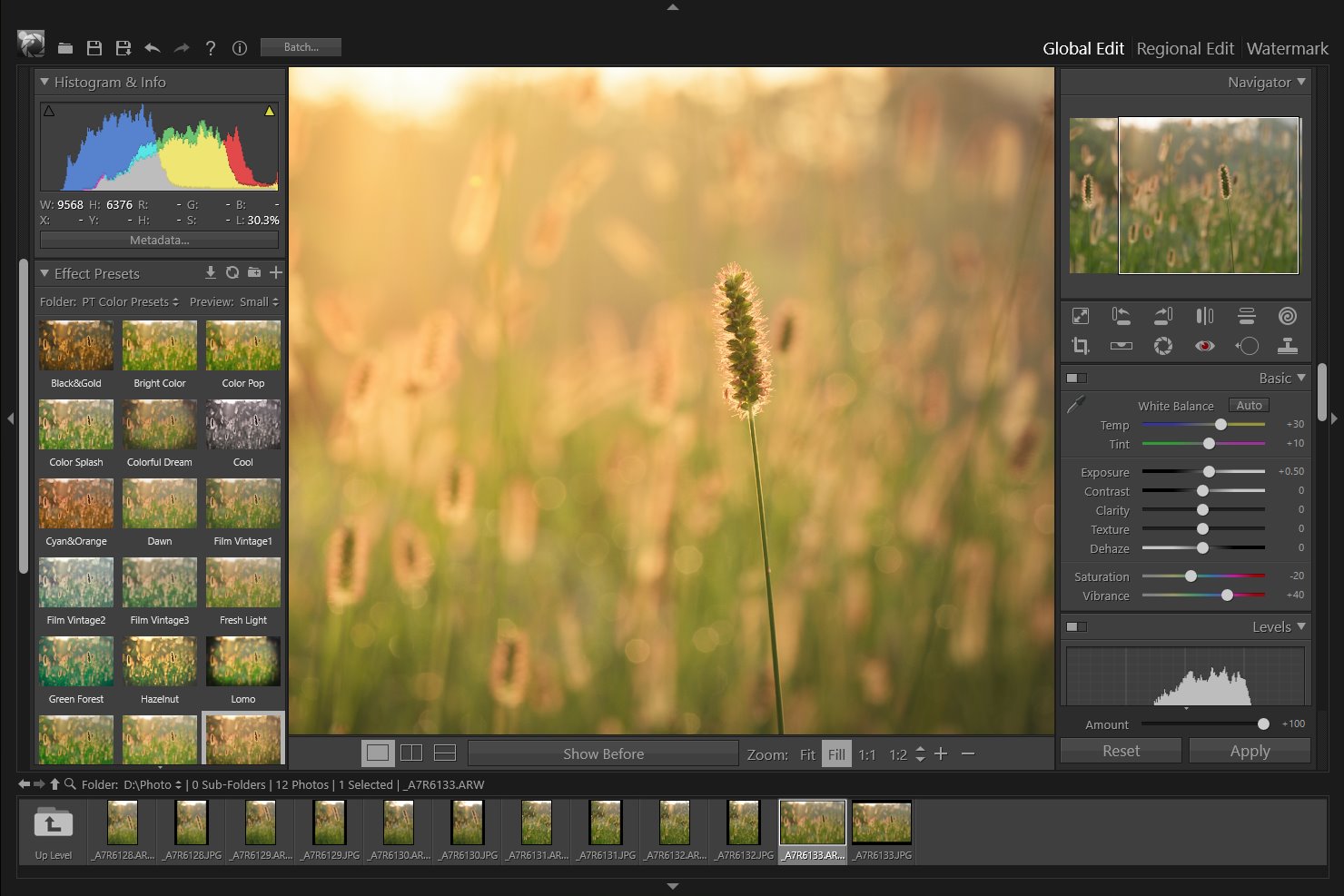
PT Photo Editor is an efficient application designed to edit photos like a professional in an easier and faster way. You can easily correct color cast and exposure problem, remove imperfections, do quick selective editing and much more.

Key Features:
  • Easy to use editing tools such as blemish removal, red-eye correction, clone and heal tool;
  • Pro-quality adjustments: white balance, exposure, contrast, clarity, auto-levels, hsl, noise reduction and more;
  • One click effect presets;
  • Easy and smart selective editing way;
  • Supports quick batch processing;
  • Full-time 16-bit processing and full color managed;
  • Lightweight.

Free Alternatives

miercuri, 2 noiembrie 2016

Giveaway: PhotoScissors 3 - Photo Editor

PhotoScissors
PhotoScissors saves the day when you quickly need to cut out a person or an object to paste it to another picture, or to remove background from a photo. You don't need any specific skills or professional software for a perfect image clip: few mouse strokes produce an accurate clipping path that can be further enhanced with fine brushes.

Download link available today:
https://www.giveawayoftheday.com/photoscissors-3-0/


Free alternatives:

Removing Image Backgrounds - GIMP Fuzzy Select

This tutorial will take you through the process of removing image backgrounds step-by-step using the freely available Gimp software.

Step 1 - Select the Image Background

Using the Fuzzy Select Tool select the part of the image that you wish to remove. The aim is to end up with an image which resembles the one below.  You should have the "marching ants" around the area of the image that you wish to keep.


Fuzzy Select Tool


Background Selected


  1. Select a large even couloured area in the background to start with.
  2. Add to the background by clicking on other parts of the background.  Be sure to change the Fuzzy Select Mode to "Add to the Current Selection"  this can be done from the tool options or by holding down the Shift key.
  3. Once you have selected the bulk of the image background you may you will need to zoom in to finish it off properly.  I find that zooming to 400% works well.
  4. You will most likely need to adjust the threshold as you go to make the selection more or less sensitive.
  5. You may find that you have selected some areas that shouldn't be.  This is easily fixed by changing the Fuzzy Select Mode to "Subtract from the Current Selection".  This can be done from the tool options or by holding down the Ctrl key.


Image Zoomed to 400%


 This is what you are trying to achieve around the entire outline of the portion of the image that you wish to keep.

Step 2 - Add Transparency to the Image

Add transparency to the image by using Layer > Transparency >Add Alpha Channel.  This makes it easy to add another background layer or paste your selection into another image.


Add Alpha Channel


Step 3 - Delete the Background

Press the Delete key to remove the selected background.  You should be left with your selection on a checked or transparent background.

Background Deleted

 If you were to save the image at this point you would have an image without the background but with jagged edges.


Background Removed and Jagged Edges


Step 4 - Smooth the Edges

Grow the Selection

Grow the slection by 2-3 pixels


Apply a Gaussian Blur to your Selection

This is done from Filters > Blur > Guassian Blur


Antialiased Edges After Applying Guassian Blur


Step 5 - Save the Image

If you are saving th eimage as a JPG (which you probably would be for display on a website) you will need to select Export when prompted as JPG files don't support transparency.  The transparent part of the image will be filled with white.


Final Image - Background Removed and Smooth Edges


Tutorial from GimpTips

vineri, 21 octombrie 2016

Giveaway: AOMEI Backupper Pro 3.5

AOMEI Backupper Pro 3.5
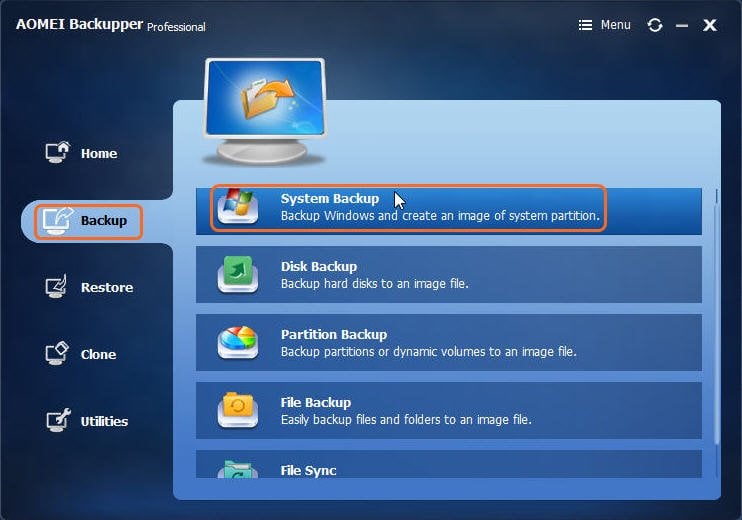
AOMEI Backupper is an all-in-one, simple and safe Windows backup and clone software. It integrates series of practical utilities to protect your data and system.
Key features:
  • System, hard disk, partition, files and folders backup and restore. File Sync.;
  • Supports full, incremental, differential, event-triggered scheduling and automatic backups;
  • Universal restore, selective restore, restore from bootable media;
  • Disk and system clone for upgrading HDD or transferring OS;
  • Mount, compress, split, encrypt, and check backup images;
  • Email notifications, view logs, and export/import backup tasks.
Download link available todayhttps://www.giveawayoftheday.com/aomei-backupper/

joi, 20 octombrie 2016

Giveaway: VSDC Pro NLE Video Editor 5.5

VSDC Pro NLE Video Editor 5.5
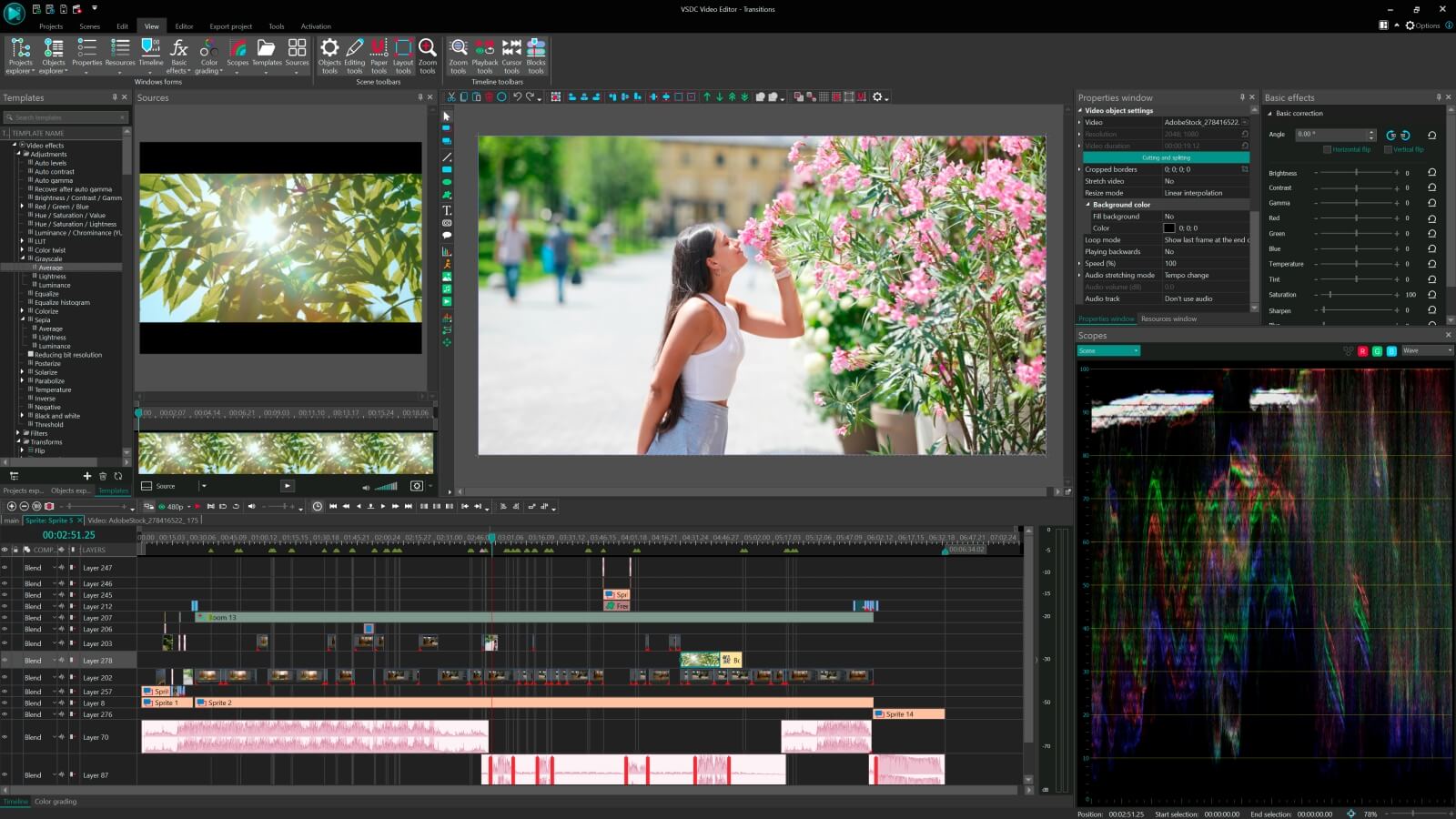
A light professional non-linear video editing suite for creating a movie of any complexity – from a family greeting, a drone or action camera clip in the UHD quality to a business presentation with a wide array of charts and diagrams.

Key features:
  • Import from any devices and cams. All formats supported;
  • Everything for hassle-free basic editing: cut, crop and merge files, add titles and favorite music;
  • Visual effects and trendy Instagram-like filters;
  • All multimedia processing done from one app: video editing capabilities reinforced by a video converter, a screen capture, a video capture and a disc burner;
  • Non-linear editing: edit several files simultaneously;
  • High quality export – no conversion quality loss, double export speed even of HD files due to hardware acceleration;
  • Essential toolset for professional video editing: blending modes, Mask tool, advanced multiple-color Chroma Key.
Download link available today:
https://www.giveawayoftheday.com/vsdc-pro-video-editor-version-5-5-0/

Download.com review (free edition): http://download.cnet.com/VSDC-Free-Video-Editor/3000-13631_4-75764187.html


Free alternatives (video editors):

Free alternatives for video converters and simple cuts:

vineri, 7 octombrie 2016

Giveaway: MultiView-Inpaint

MultiView-Inpaint
Every notable landmark seems to have one thing in common: tourists, and lots of them. Removing tourists or any unwanted objects from a photo used to be incredibly slow and tedious work. With Inpaint's Multi View feature, all you have to do is take several shots of the same scene, assuming that the objects you want to remove are moving.
Once you've taken enough pictures so that every piece of the scenery is visible, just sit back and let Inpaint do the work.
No need for tripods or any special tools and no need to worry about shaking hands when making the photos. Inpaint will take care of this and align your photos perfectly.


Free alternatives:

marți, 4 octombrie 2016

Giveaway: Photo Pos Pro 3 - photo editor

Photo Pos Pro 3
Photo Pos Pro photo editor is the ultimate tool to turn your digital photos into stunning artworks, create eye-catching graphics and take your creativity to the next level.
The software packed with powerful adjustments and enhancements, advanced selection tools, layers, masks and layer styles, vectorial objects, filters and special effects, advanced drawing tools, brushes and dynamic brushes. The software also comes with pre-made frames, collages, business cards, greeting cards and many more premade templates you can start with in order to make your work fast.

Download link available today: https://www.giveawayoftheday.com/photo-pos-pro/

Free alternatives

Photo editing software dedicated page on my blog http://open-source-spot.blogspot.ro/p/photo-editing.html
Photo editing web apps http://open-source-spot.blogspot.ro/p/online-photoediting.html

luni, 3 octombrie 2016

Giveaway: PhotoBUZZER

PhotoBUZZER
Image processing was yesterday, buzzers today. 1 KLICK - 1000 LOOKS

Find your very own unique photo look - with one buzz.
Once clicked on the random generator, PhotoBUZZER will provide you with billions of different styles from yur photo.Winter to summer, ancient to modern, dreamy and dramatic, and, and, and.
Theoretically PhotoBUZZER creates 1.000,000 variations from your Photo: all you have to do is to pick your personal style.
With the image Mood wizard you can preselect your style, if you already know the direction you would like to move.


Download link available today (Windows):
 https://www.giveawayoftheday.com/photobuzzer/

If you are a Mac user please download the installation file here.

PhotoBUZZER


Free alternatives: